⚡ New since April 2026
Firmware update straight in the browser, no download needed
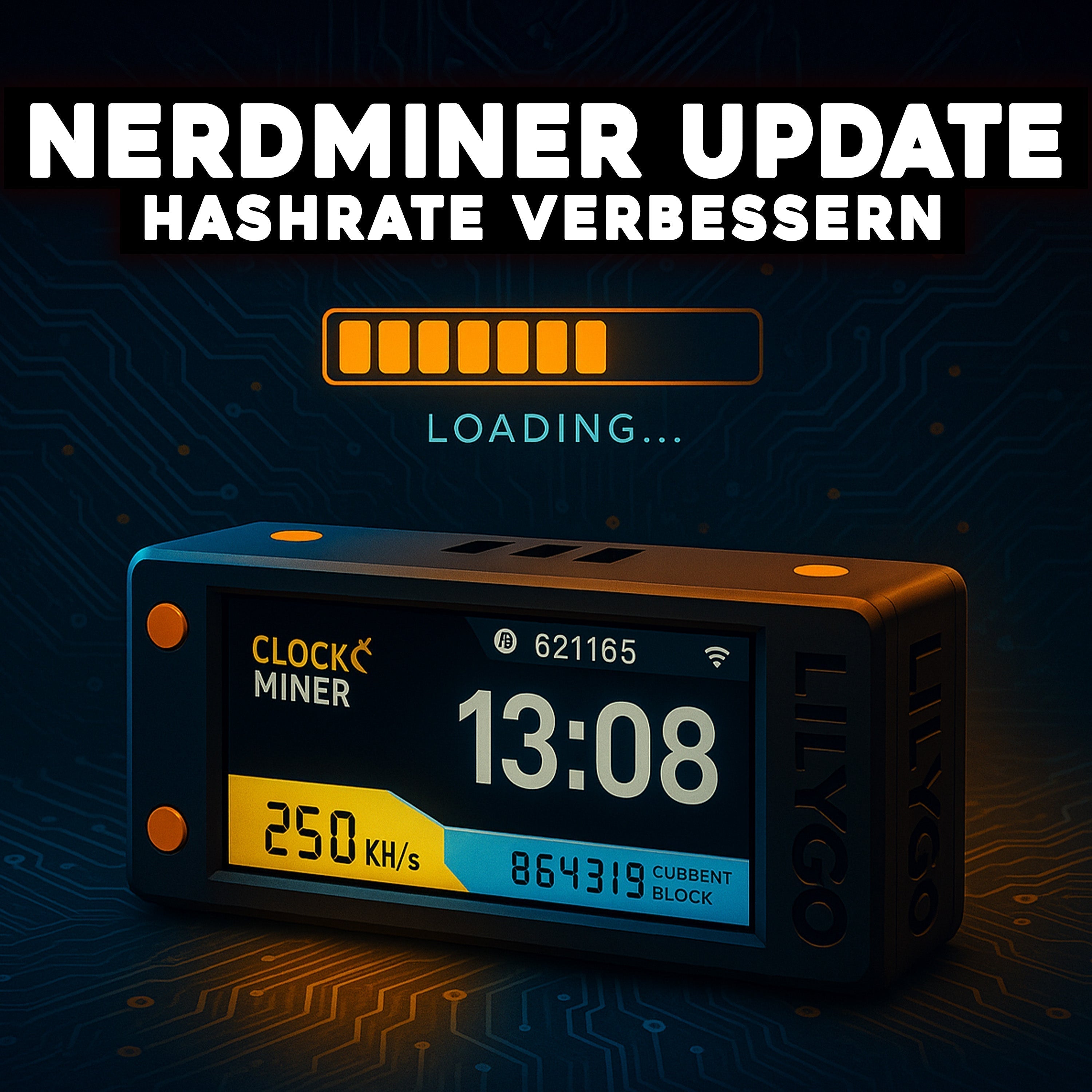
You no longer need esptool or a command line. We built the Nerdminer V2 browser flasher: plug in the USB cable, click the button, and you are on firmware v1.8.3 in 60 seconds. Works in Chrome, Edge and Brave on desktop.
→ Flash it in your browserNerdminer V2 firmware 1.8.3 — changelog, release notes and benchmark data
Firmware version 1.8.3 from the NerdMiner_v2 community has been the recommended release for every standard Nerdminer V2 with a T-Display S3 since September 2025. This article is the technical reference: what exactly changed since 1.8.2, how much extra hash rate does the update bring, which bugs are gone, and which problems remain? If you are looking for the plain installation guide, use the complete firmware update guide instead.
Release fact sheet 1.8.3
| Property | Value |
|---|---|
| Release date | September 2025 |
| Compatible boards | T-Display S3, T-Display S3 AMOLED, LILYGO T-QT |
| Kernel base | ESP32-S3 Arduino Core 2.0.14 |
| Binary size | ~1.2 MB (firmware.bin) |
| GitHub release | BitMaker-hub/NerdMiner_v2 |
What is new in version 1.8.3?
1.8.3 is primarily a stability and bugfix release. There are no revolutionary new features, but the update is the last piece of polish on the 1.8.x branch before the community turned to work on a possible 2.0 branch.
Bugfixes since 1.8.2
- Wi-Fi reconnect loop fixed: when the Nerdminer lost Wi-Fi it occasionally ended up in an endless loop of reconnect attempts without ever mining again. From 1.8.3 onwards, five failed reconnect attempts trigger an automatic hard reset.
- Display flicker on the block reward screen fixed: the animated "big win" screen shown when a block is found had rare display glitches in older versions. Completely reworked.
- Stratum subscribe timing improved: communication with the solo pool at startup is more stable, which means the hash rate ramps up faster after a reboot.
- Fix for an invalid boot on certain T-Display S3 AMOLED revisions: only affected early-access AMOLED boards, but relevant if you have an early 2024 model.
Performance improvements
- SHA-256 kernel optimised: the hashing kernel is about 3 to 5% faster. That sounds small, but combined with the reconnect fix it is measurable.
- Memory footprint reduced: RAM use is down by about 12 KB, which leaves more headroom for complex pool jobs.
- OLED refresh optimised: fewer CPU cycles for display updates means more cycles for hashing.
Benchmark: 1.7.2 vs 1.8.0 vs 1.8.2 vs 1.8.3
We measured three identical Nerdminer V2 units (T-Display S3, stock hardware, no mods) on the last four stable releases in 24-hour continuous operation. Identical Wi-Fi, identical solo pool (public-pool.io), identical ambient temperature (22 °C). The figures are average hash rate over 24 hours:
| Firmware version | Hash rate (avg. 24h) | Peak | Dropouts / 24h |
|---|---|---|---|
| 1.7.2 (June 2025) | 188 KH/s | 198 KH/s | 4 |
| 1.8.0 (July 2025) | 223 KH/s | 242 KH/s | 2 |
| 1.8.2 (August 2025) | 231 KH/s | 247 KH/s | 1 |
| 1.8.3 (September 2025) | 241 KH/s | 251 KH/s | 0 |
How to read this: the largest jump happened from 1.7.x to 1.8.0 (+35 KH/s average hash rate). The steps within the 1.8 series are smaller but consistent, and above all: on 1.8.3 we recorded zero disconnects across the 24-hour test. That is the real reason to update, even if you are already running 1.8.2.
Known open issues in 1.8.3
Even the current firmware is not perfect. These points remain open in 1.8.3 (as of April 2026):
- No OTA update (over the air). Updates still have to be flashed over a USB cable. An OTA feature is on the roadmap but has not been released.
- No dark mode for the OLED. The display shows white text on black by default and that cannot currently be inverted.
- No Taproot wallet support. bc1p addresses are accepted during setup, but on a block find the pool would not deliver the payout. Workaround: use a SegWit address (bc1q…).
- No multi-pool configuration. You can only store one pool at a time. For several pools you would need several devices.
- Display timeout is not configurable. The OLED stays on permanently, which in theory shortens its life. Most owners ignore this: OLED pixel life is around 10,000 operating hours, so more than 13 months of continuous use.
When is 2.0 coming?
The Nerdminer community has not fixed an official roadmap yet. Ideas discussed for a possible 2.0:
- OTA updates
- Multi-pool failover
- A web dashboard rather than just the OLED
- Taproot address support
- Configurable display layouts
Until a 2.0 release appears, 1.8.3 is the most stable and highest-performing version available and is explicitly recommended by most solo pools.
Installing firmware 1.8.3
The step-by-step installation with the web flasher, troubleshooting and macOS driver notes is covered in detail in the complete Nerdminer V2 firmware update guide. Short version: open Chrome, visit bitminer24.de/en/pages/firmware-update, pick the T-Display S3, select 1.8.3, flash, then re-enter Wi-Fi & bitcoin address. Takes 3 to 5 minutes.
Further reading
- Firmware update guide, step by step with pictures
- Update failed? The recovery guide for a brick & boot loop
- News: firmware 1.8.3, the key facts on the release
- Nerdminer V2 setup, from unboxing to mining
No Nerdminer yet?
Buy a Nerdminer V2, already on the current firmware
To the Nerdminer V2 in the shop →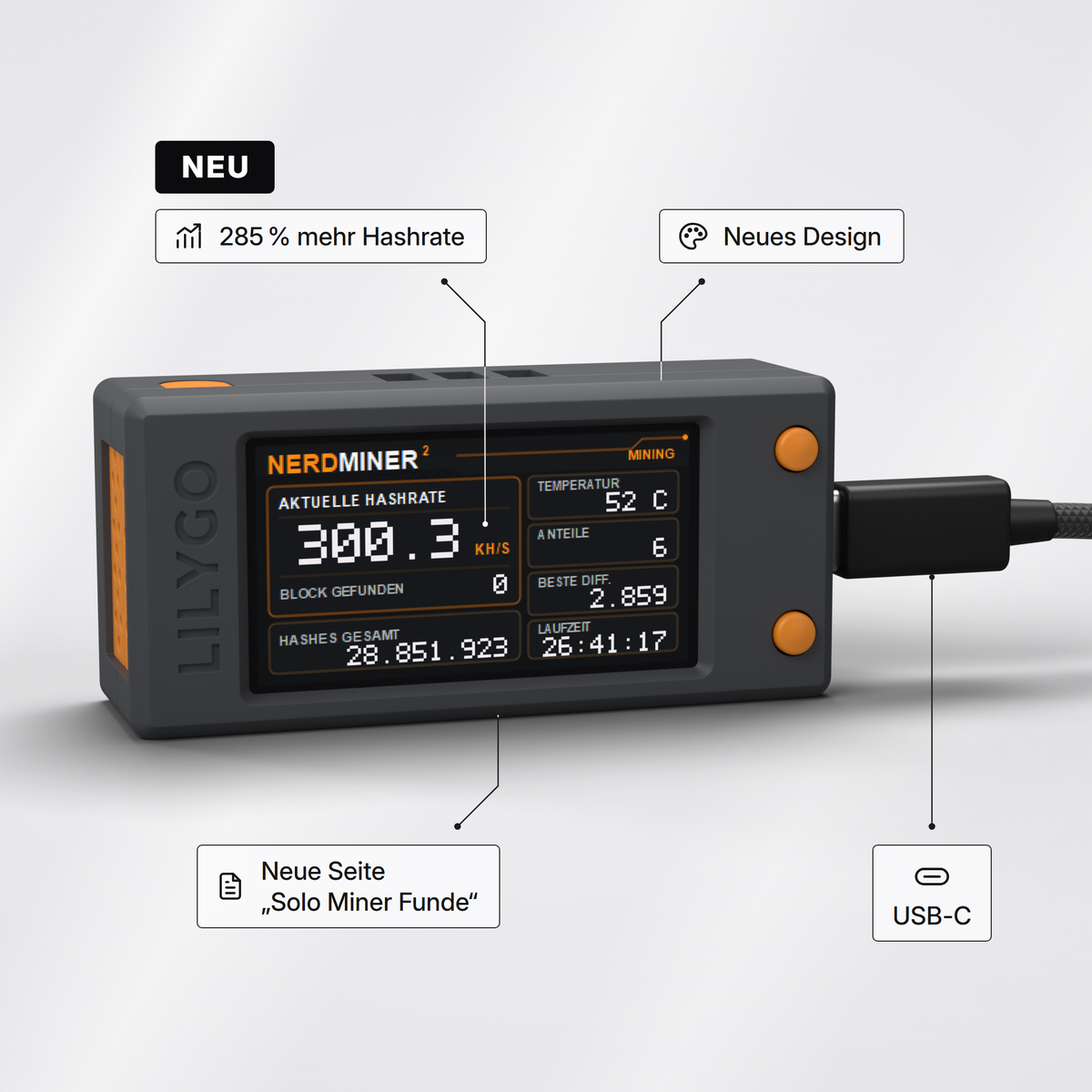



Teilen: