Connect power
First choose your device above for its ports, cable and power requirements. NerdNOS has separate power and update ports.
BitMiner24
Choose your miner for its guide to power, Wi-Fi, your Bitcoin address and checking the first mining status.
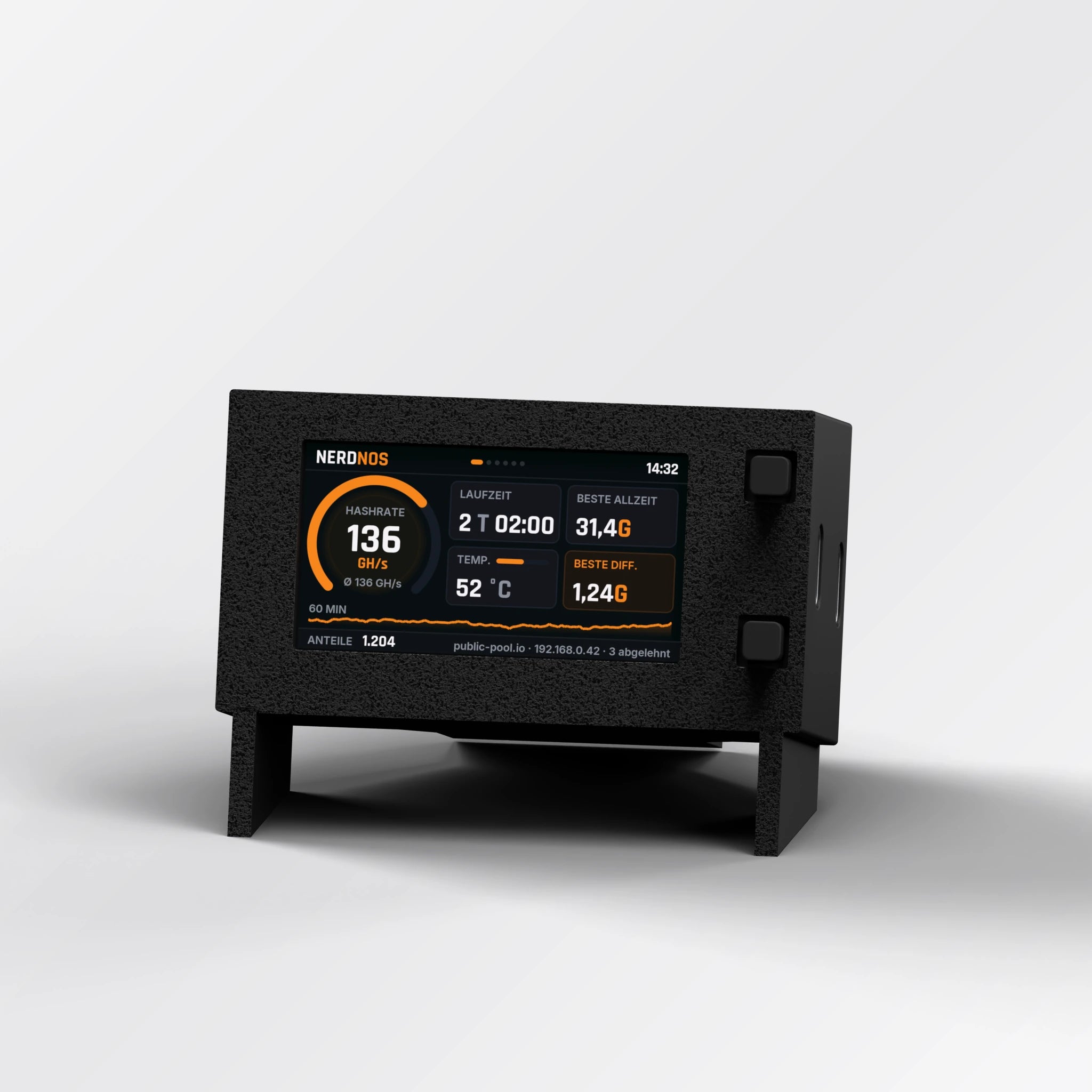
Identify the power and update ports, connect Wi-Fi and check hashrate, temperature and cooling.
Open device guide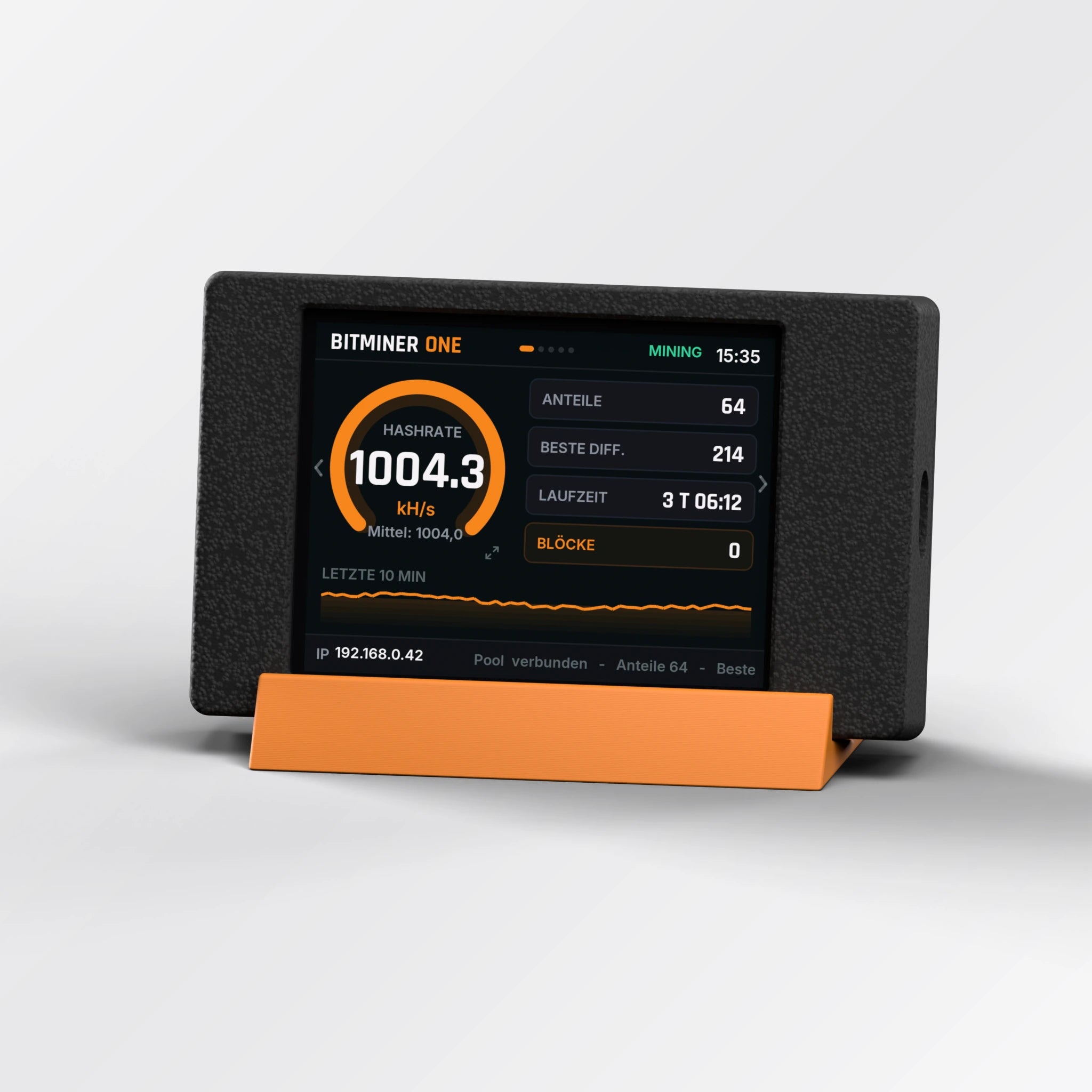
Explore the large touchscreen, connect your miner and choose the right cable and power supply.
Open device guide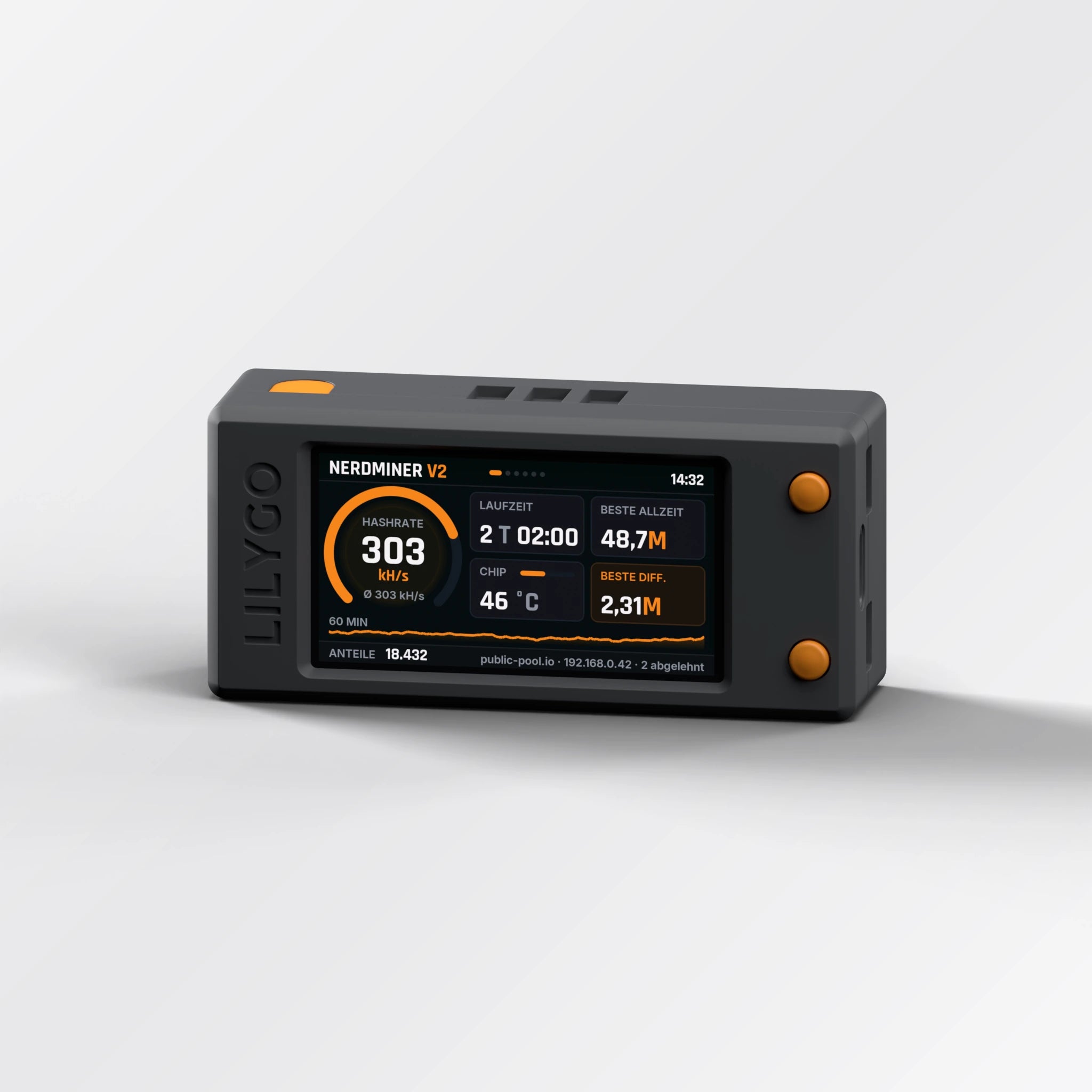
The compact colour-display starter. Set up via the setup Wi-Fi with a QR code. After a firmware update also with the BitMiner24 app.
Open device guideFirst choose your device above for its ports, cable and power requirements. NerdNOS has separate power and update ports.
Follow the device guide for the app or setup Wi-Fi. Choose your home network and enter your public Bitcoin address.
Check Wi-Fi, pool connection and an active hashrate. Shares demonstrate work at the pool; they are not regular Bitcoin payments.
You set up the NerdNOS and the BitMiner One with the BitMiner24 app. After a firmware update, the Nerdminer V2 can also be set up with the BitMiner24 app. Follow the guide for your device.
Get the app: App Store · Google Play · About the app
Explore the appYour device may have different menus from the new screenshots. Use the older-device section in its guide or check the matching software on our update page.
Software updatesEnable the router’s 2.4 GHz band, move the miner closer for setup and check the exact network name and password.
Check Bluetooth, required permissions and setup mode. Without the BitMiner24 app: Nerdminer V2: setup Wi-Fi (QR code). The Nerdminer V2 appears in the BitMiner24 app only with new firmware. Follow the device-specific guide.
You need a compatible public Bitcoin receiving address. A separate wallet just for the miner is not required. Never enter recovery phrases or private keys.
Check Wi-Fi and pool connections, a running hashrate and accepted shares. Solo mining does not pay for each share. Finding your own block is very rare.


