The combination
Why all three?
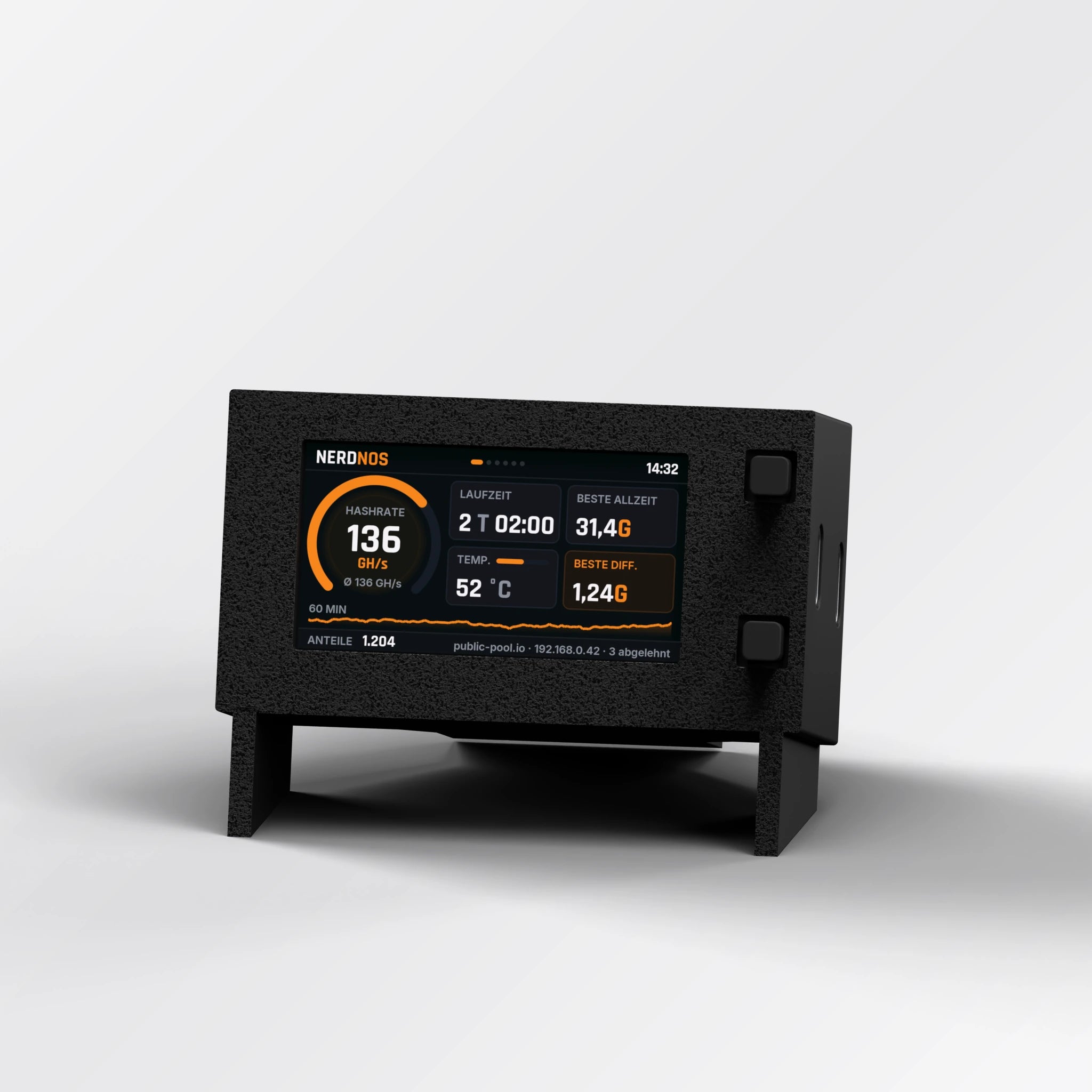
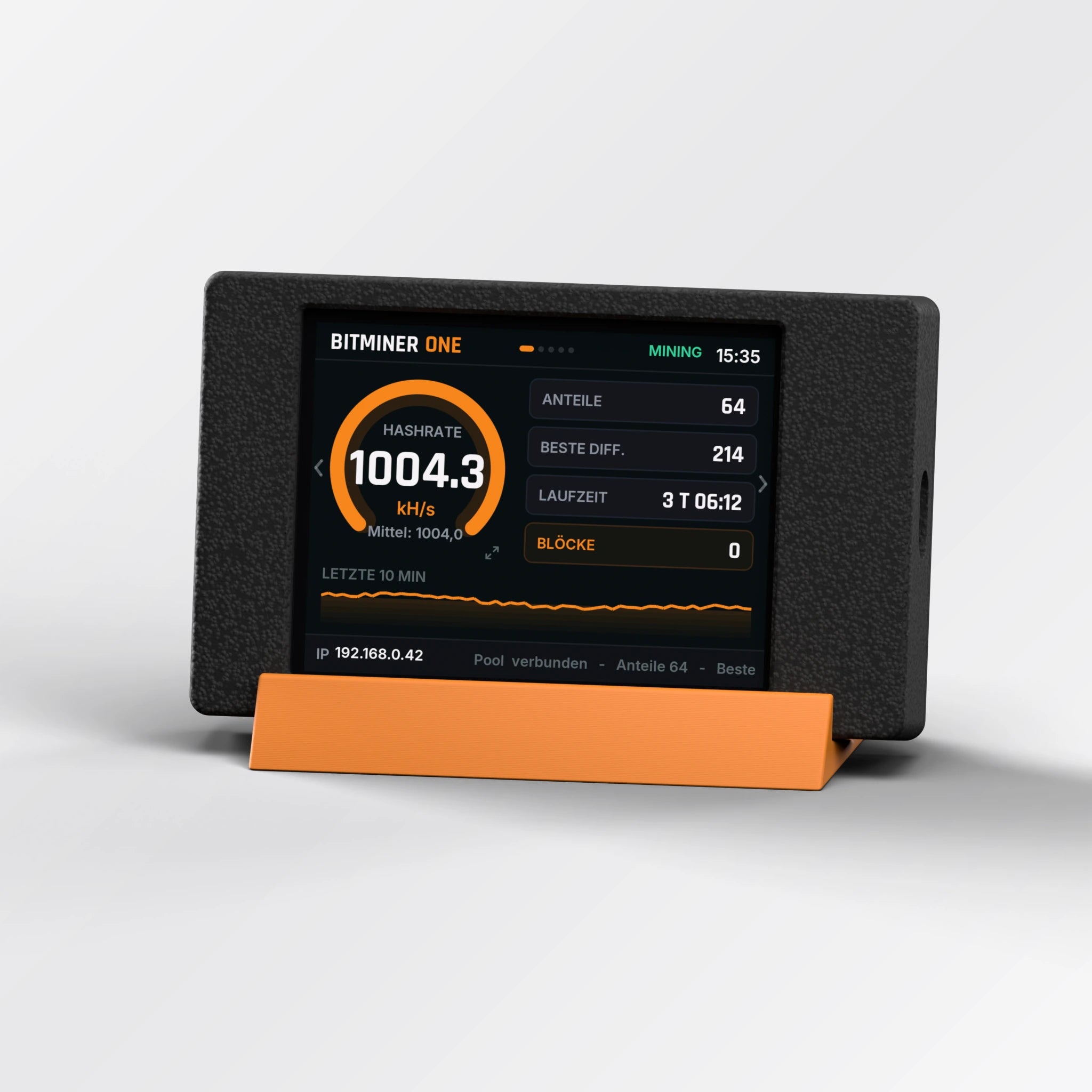
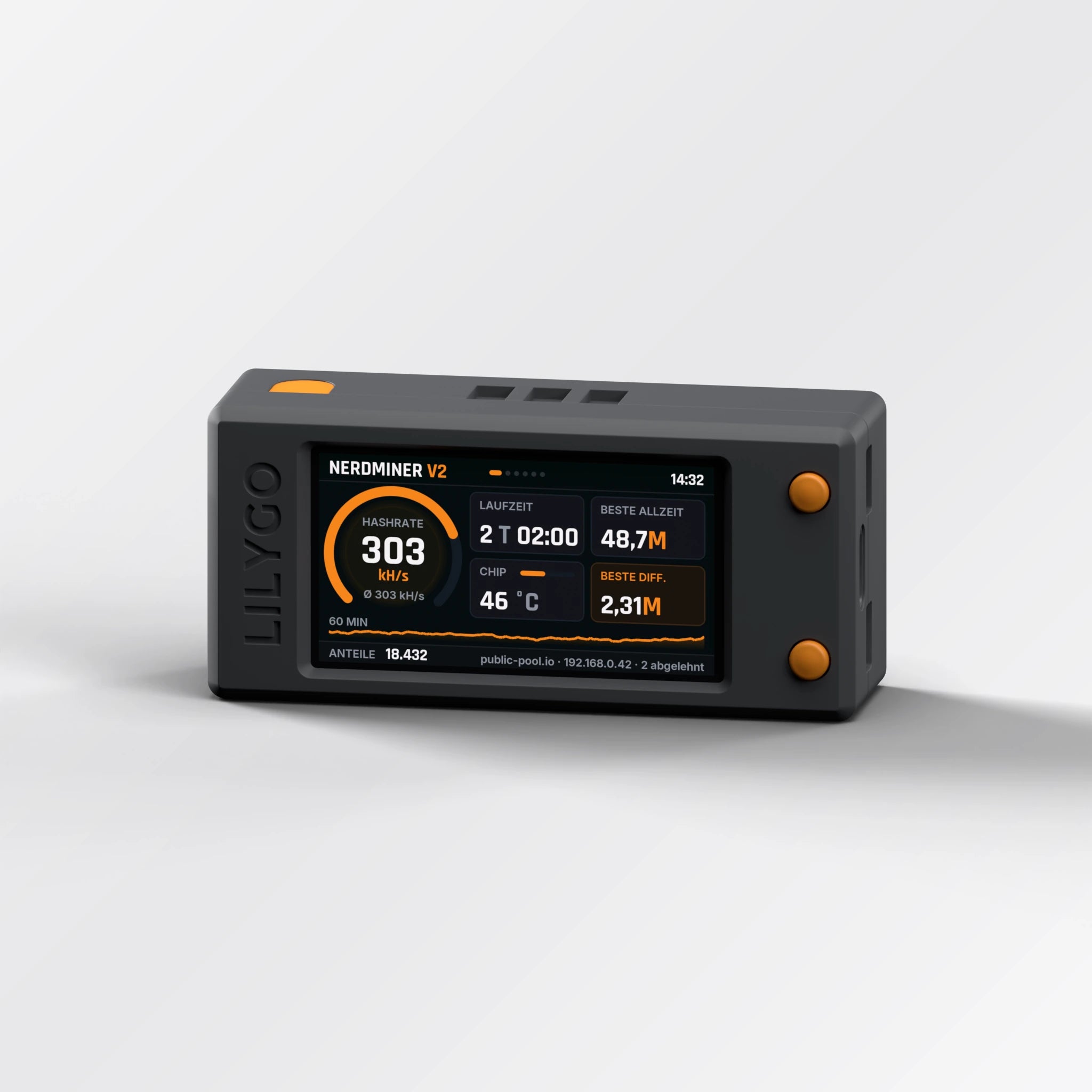
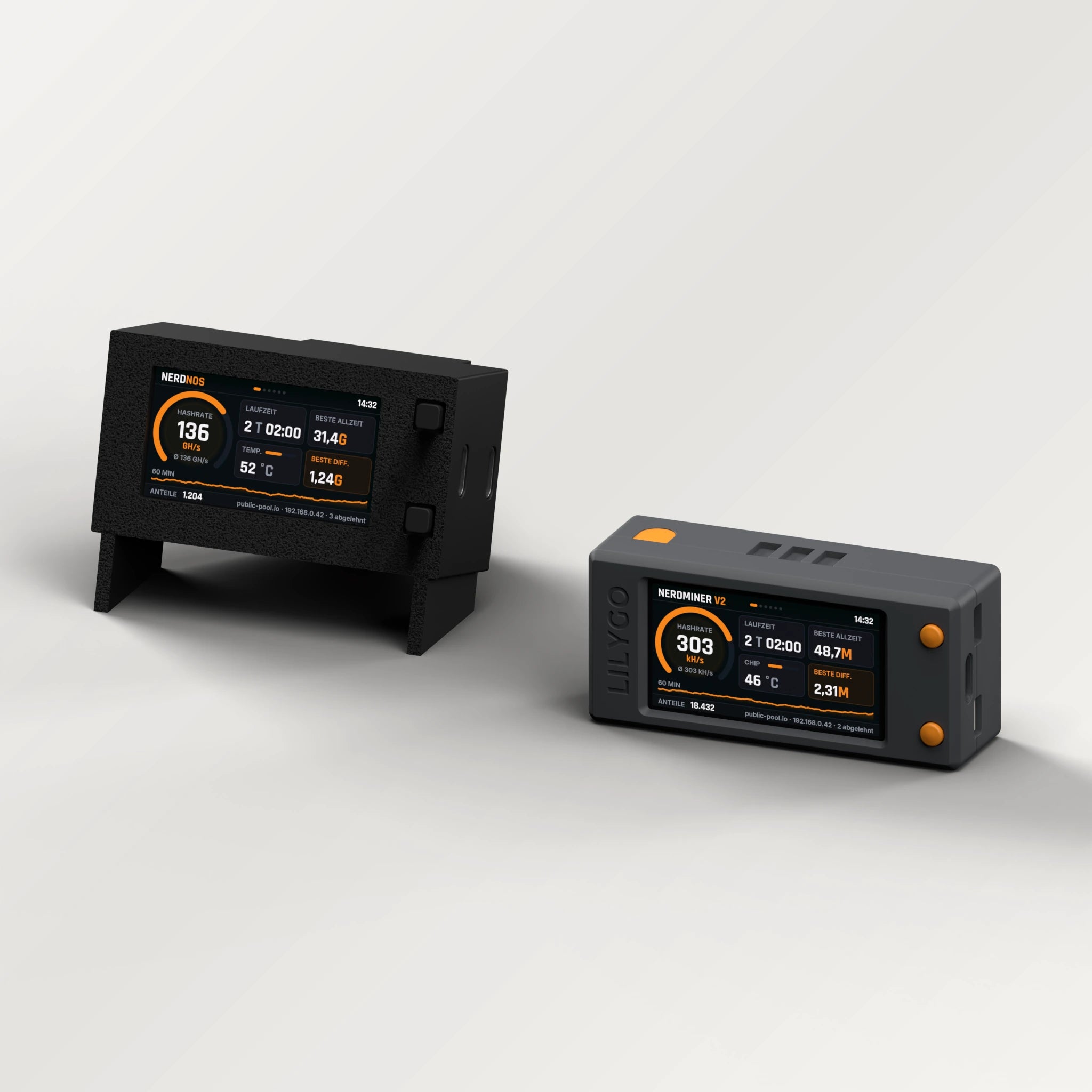
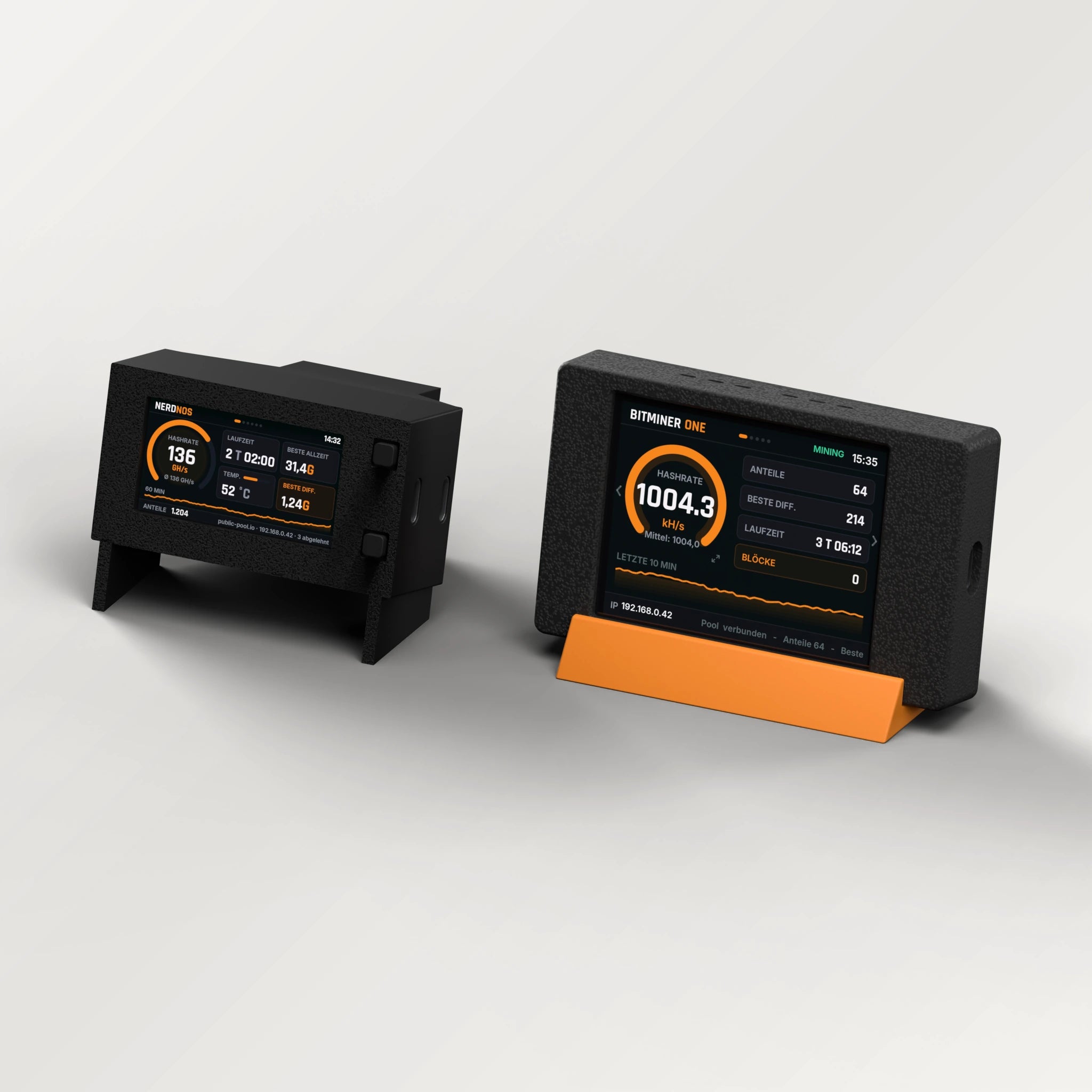
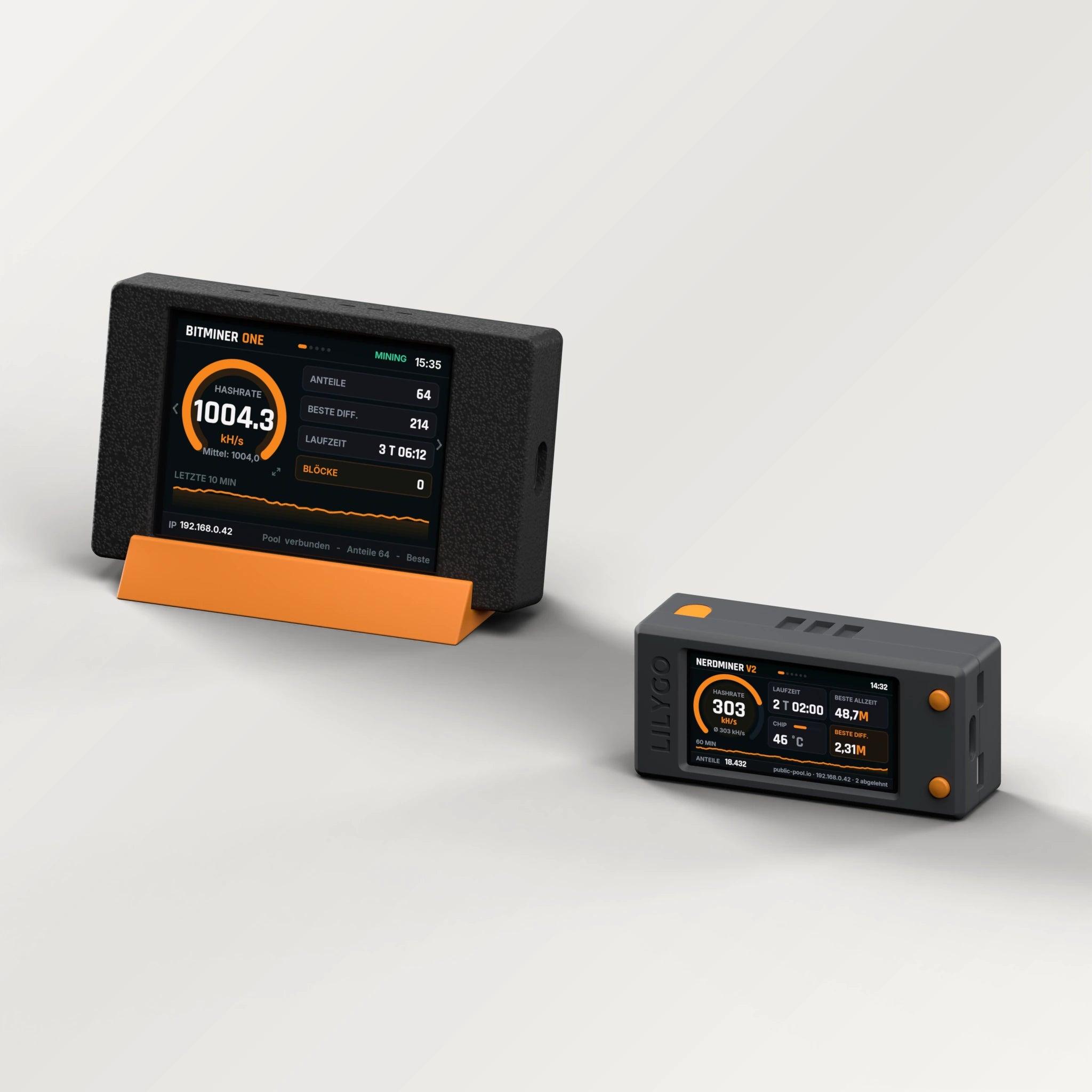
The trio brings together all three BitMiner24 devices. The Nerdminer V2 shows at 300 kH/s and under 1 W how frugal a microcontroller miner is. The BitMiner One adds the large 2.8-inch touch display and around 1,000 kH/s. The NerdNOS delivers 80 to 135 GH/s with its BM1397 ASIC and so most of the hashing power.
All three mine independently and can use the same bitcoin address. Their attempts add up, with almost all of the hashing power coming from the NerdNOS. If you want to understand why hash rate is sometimes given in kH/s and sometimes in GH/s, the answer sits right next to each other.
For power we count the V2 at 1 W (specified: under 1 W), the One at its measured 0.65 W and the NerdNOS at about 8 W. That is about 9.7 W together, roughly €29.59 a year at €0.35/kWh running 24/7; the NerdNOS accounts for most of it.
You set up each device once on its own: the V2 via its setup Wi-Fi (QR code), the One and the NerdNOS over Bluetooth with the BitMiner24 app. After a firmware update, the Nerdminer V2 can also be set up with the BitMiner24 app. All three need the same 2.4 GHz Wi-Fi and your bitcoin address.
The V2 (70 × 32 × 21 mm) and the One (90 × 55 × 15.5 mm) run without a fan and sit silently on a desk or shelf. The NerdNOS (65.4 × 35.5 mm at the front, 52 mm deep) has an audible fan and needs some free space. Plan for three sockets: two 5 V USB-C adapters with at least 1 A for the V2 and the One, which are not included, plus the adapter that comes with the NerdNOS.
And honestly: three devices do not promise a block find either, it stays a matter of luck. The trio is a learning and technology set.
Three device classes
Compact microcontroller, touch display and ASIC side by side.
Spread them out
V2 and One silently on desk or shelf, the NerdNOS where its fan does not bother anyone.
One address for all
All three can mine to the same address; you set up each device once on its own.
Who is the bundle for?
For tech fans and makers who want to see the differences between the devices themselves, or for households where everyone wants their own device on the desk. Each device can also get its own address later if you pass one on.